Upload what you already have
Rent roll, delinquency report, unit directory, or another report your team uses to follow up on unpaid rent. CSV, Excel, or PDF.
Send the spreadsheets and reports you already use. Get your demands back monthly, on your schedule, ready to sign.
Nothing to retype. Nothing to track by hand. More time for your residents.
Start a pilotEvery unit number, date, and amount comes straight from your reports.
Notices go out once, on time. Your team moves on to what matters most: your residents.
Accurate. On time. Ready to sign.
Rent roll, delinquency report, unit directory, or another report your team uses to follow up on unpaid rent. CSV, Excel, or PDF.
Using your approved forms and your rules. Accurate and consistent, every time.
Monthly, on your dates. Print from the secure portal, sign, deliver. Then track every attempt right in the app, with photos and notes.
Reports become organized notice packets, matched to the forms approved for each property and ready for your team to review, sign, and deliver.
Nothing to retype. Nothing to track by hand.
Give onsite teams a simple way to record each delivery attempt. Photos, notes, and timestamps stay together for authorized managers to review.
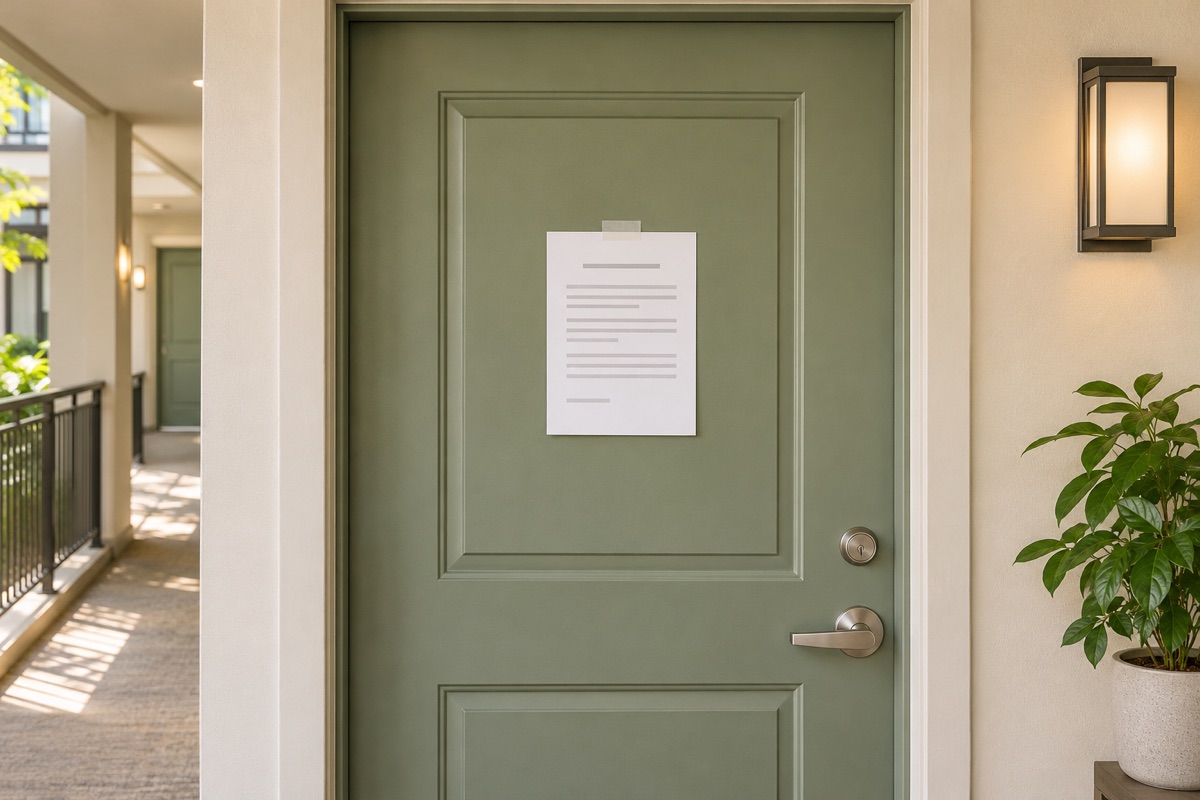
Posted at the door. Resident not home. Left a friendly reminder.
Upload, print, sign, deliver. Done.
See what went out, and when.
Steadier cash flow across the portfolio.
Give residents clear next steps through company- and property-configured email, text, and voice communications, while keeping activity connected to the account.
Residents who know their neighbors stay. Proximity connects each resident with 3 to 5 neighbors who share their interests.
Events stop being a to-do for your team. They become something residents want to do.
Give residents a clear way to understand their account and reach the property team, while keeping each outreach tied to the right property and resident record.
Use a property-specific email template with resident and balance details filled in from their account. Include the property’s payment link when one is configured.
Hello Jordan, our records show a past-due balance of $425. Please reply or contact the property office to discuss next steps.
The voice assistant uses the resident and property context for a focused conversation, identifies itself as automated, and tells the resident the call is recorded.
Connect the approved StayCurrent app in ChatGPT to look up authorized property and resident information, review account activity, and prepare common operations tasks in conversation.
Open ChatGPTSign in with your StayCurrent account to connect. Access follows your property permissions.There are 3 open requests. One is unassigned and two are scheduled. Would you like the unit-level details?
Monthly notices use the form assigned to the property and are stored in Files for manager review and download.
Role-based access helps keep property information available to authorized staff.
StayCurrent organizes resident context and follow-through. Your team retains review and service decisions.
Your team can upload property reports it already uses, such as rent rolls, delinquency reports, and unit directories. The setup depends on the files and fields available for your portfolio.
No. StayCurrent works alongside your existing systems, using the property data your team can export. Available file formats and mappings depend on your reports and setup.
Teams can review resident records and account history, coordinate maintenance requests, manage resident follow-up, and keep related notes and activity together.
A one-time setup fee covers your property configuration. Your first monthly report is free so your team can review the process before moving forward.
A one-time setup fee covers setup. Your first monthly report is free during the pilot; ongoing pricing depends on portfolio size and selected services.
Pay a one-time setup fee, then review your first month’s report at no charge. Tell us a little about your operation and we’ll follow up to plan a focused conversation.
Already have an account? Sign in